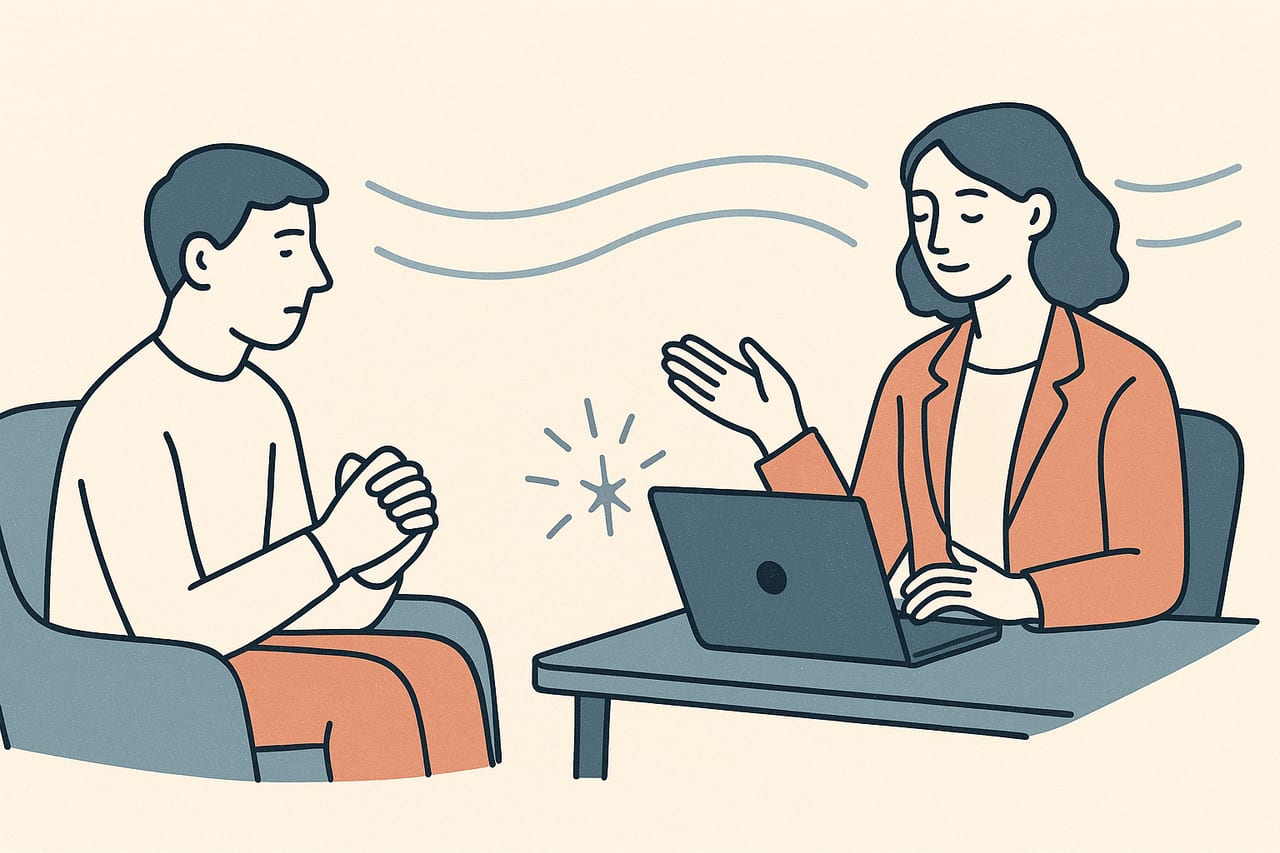
The Flash Technique is a brief procedure some EMDR clinicians use to take the edge off a disturbing memory before standard reprocessing begins, or as a stabilizing option on its own. This guide covers what it is, how the steps work, what the research shows so far, and how it translates to a remote session.
What the Flash Technique is
The Flash Technique was developed by psychologist Philip Manfield as an addition to the preparation phase of EMDR (flashtechnique.com). Unlike standard desensitization, it does not ask the client to hold a disturbing memory in mind while processing it. Instead, the client spends almost all of their attention on something positive — a calming place, a pleasant memory, a piece of music — while briefly and repeatedly touching the edge of the target memory.
That design makes it a minimally intrusive option: the client can lower the charge on a memory without needing to describe it in detail or sit with it directly. Clinicians use it for clients who are too activated, too avoidant, or too fragile to tolerate standard desensitization yet, and sometimes as a quick stabilizer before deeper reprocessing work.
Not a replacement for full EMDR
The Flash Technique reduces disturbance so a memory becomes easier to approach — it doesn't reprocess the memory the way standard EMDR desensitization does. Most clinicians who use it treat it as a bridge into the standard protocol, not a substitute for it.
The basic steps
The general procedure looks like this:
- Identify the target. The client briefly names a distressing memory or fear and rates its disturbance on the SUD scale — without describing the memory in detail. If you want a refresher on how SUD and VOC ratings work across a session, see our guide to tracking SUD and VOC scores.
- Choose a positive focus. The client picks something absorbing and pleasant to hold their attention — a favorite place, an activity, a piece of music.
- Add brief bilateral stimulation. While the client’s attention stays on the positive focus, you run short sets of bilateral stimulation — eye movements, tones, or taps — interrupted by a “flash”: a momentary, glancing touch of the target memory before attention returns to the positive focus.
- Re-rate and repeat. After several sets, the client re-rates the SUD level. The sets continue until the disturbance has noticeably dropped, at which point the client (or the standard EMDR protocol) can approach the memory more directly if needed.
Because the client’s attention stays mostly on the positive material, this can go faster than it sounds — often in the range of ten to fifteen minutes for a single target.
What the research shows
The evidence base for the Flash Technique is still small, but it has moved beyond case reports. A 2022 randomized-controlled trial tested the technique against a stress-management control (the WHO’s mhGAP module) with adults who had been in traffic accidents. Participants who received the Flash Technique showed statistically significant improvements in anxiety, intrusion symptoms, avoidance, overall traumatic stress, and psychological quality of life compared to the control group, with effects holding at a one-month follow-up. The same trial found no significant between-group difference in depression, general stress, or hyperarousal scores (Yaşar et al., 2022, Frontiers in Psychology).
That’s a meaningful first step — the authors note it was the first time the Flash Technique had been tested in a clinical RCT — but it’s one trial with a modest sample. Treat the technique as a promising, evidence-informed option rather than a fully established protocol, and weigh it the way you would any adjunct technique: against your training, your case formulation, and your client’s presentation.
Using it in a remote session
Nothing about the Flash Technique requires being in the same room. The eye-movement or tapping component works the same way it does in any remote EMDR session — through a shared screen or, with CloudEMDR’s Remote Sessions, a distraction-free link your client watches while you keep the controls. Because the technique leans on the client’s own imagery and internal focus rather than a detailed verbal account of the memory, it can be a useful option early in a telehealth relationship, before you and the client have built up the same in-person rapport.
A few practical notes for remote delivery:
Keep it light on instructions
Because the client should barely touch the target memory, over-explaining the steps on a call can accidentally pull their attention toward the distressing content. Walk through the instructions once, clearly, before starting the bilateral sets rather than narrating each step as you go.
- Check audio clarity before you start. SUD ratings are spoken aloud between sets, so a clean audio connection matters more here than the visual dot itself.
- Have the positive focus ready in advance. Ask the client to identify their calming image or memory before you begin the bilateral sets, so the flow isn’t interrupted while they search for one.
- Pair it with resourcing when needed. If a client doesn’t have a readily available positive memory to focus on, building one first is worthwhile — our guide to resource development and installation covers how that stabilization step works.
- Fall back to standard pacing if it stalls. If SUD isn’t moving after several sets, that’s a cue to slow down, check in verbally, or shift to a different stabilization approach rather than push through — the same logic used in blocked processing more broadly.
Where it fits in your toolkit
The Flash Technique isn’t a stand-alone therapy and it isn’t meant to replace the eight-phase EMDR protocol you already know. It’s best thought of as one more option for the preparation and stabilization end of your work — useful when a client needs a gentler on-ramp to a memory, or when time is short and you need to lower a specific disturbance before the next phase of treatment.
Run bilateral stimulation from any browser
Whether you're running standard desensitization or a brief Flash Technique set, CloudEMDR gives you the moving dot, adjustable speed, and bilateral sound you need — free to try, with Pro adding distraction-free client links for remote sessions.