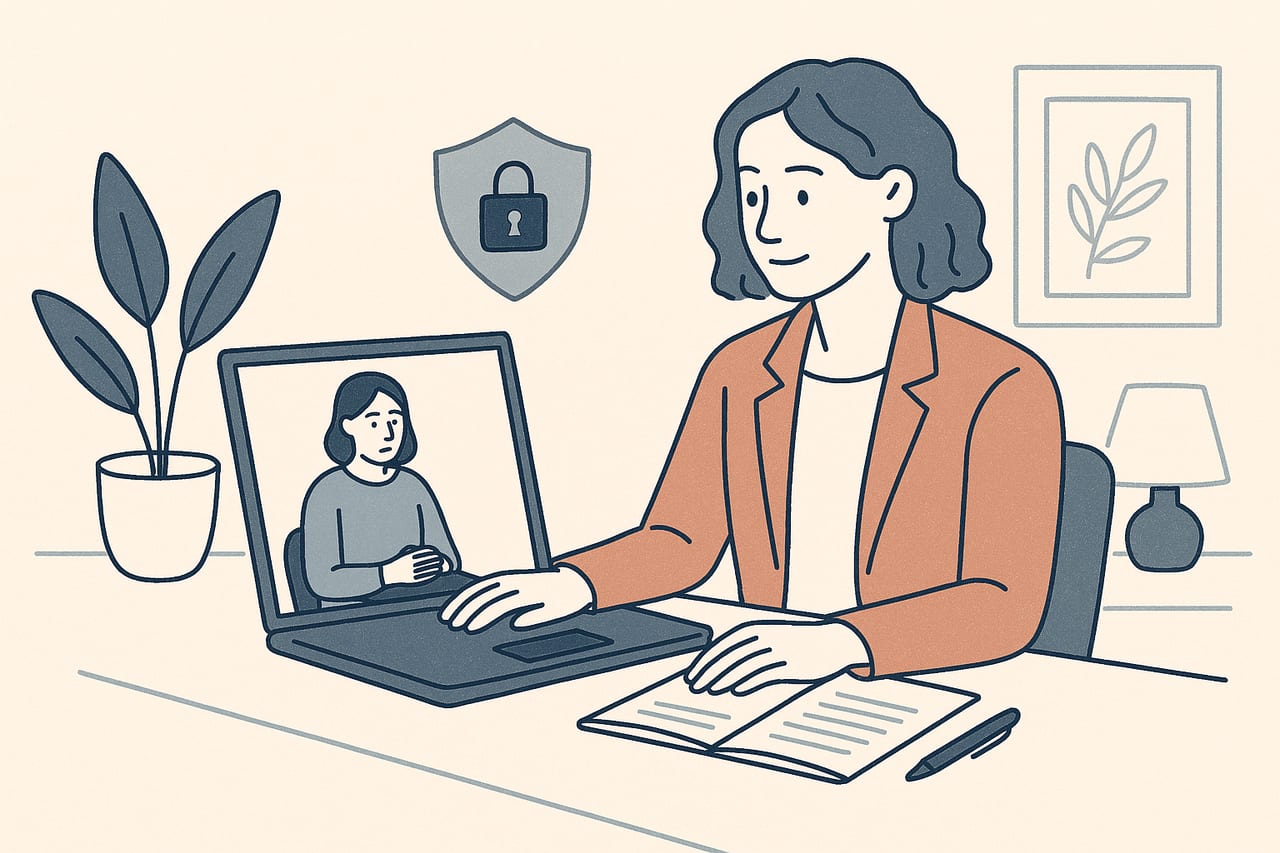
If your practice is based in the United States, HIPAA sits alongside — not instead of — the general privacy habits you've probably already built into your remote sessions. It's a specific federal law with specific requirements, and telehealth EMDR sessions fall squarely inside them. Here's what actually applies, and what to check before your next remote session.
What HIPAA covers in a telehealth session
The Health Insurance Portability and Accountability Act protects what’s called protected health information, or PHI — and that definition is broader than a written chart note. It covers anything that identifies a client and relates to their health or care, including video, audio, chat messages, images, and session notes generated electronically. A telehealth EMDR session that runs over video, with a client’s name and clinical content attached to it, generates PHI the moment it starts, in the same way an in-person session would generate a paper or electronic record afterward.
That means the standard you’re held to on a video call is the same one you’re held to in your office — HIPAA doesn’t have a lighter telehealth tier. A compliance review summarizing the requirement puts it plainly: any telehealth platform that transmits, processes, or stores PHI must sign a Business Associate Agreement, or BAA, with the covered provider (Medcurity, telehealth HIPAA compliance guide).
The video platform carries most of the compliance burden
Because CloudEMDR runs alongside whichever video platform you already use for the conversation itself, most of the HIPAA-specific work lives with that platform, not with the EMDR layer on top of it. A few things are worth confirming about whatever you use:
- A signed BAA is in place. Consumer versions of common tools — standard Zoom, FaceTime, Google Meet, Skype, WhatsApp — generally don’t come with a BAA and aren’t built for PHI. Paid healthcare-tier plans (for example Zoom for Healthcare) and platforms built specifically for clinical use, like Doxy.me, are more commonly set up to sign one (Medcurity).
- Encryption in transit, at minimum TLS 1.2, covering video, audio, and any chat used during the call.
- Unique logins and screen locks on any device used for sessions — a shared family computer or an unlocked laptop is a gap regardless of how secure the platform itself is.
None of this is a judgment on any particular platform’s overall quality — it’s specifically about whether a BAA and the technical safeguards behind it are available on the plan you’re using. It’s worth checking with your specific vendor directly, since plan tiers and BAA availability change.
This is a starting point, not legal advice
HIPAA requirements interact with state law, your licensing board's rules, and your own organization's policies. Treat this as a practical orientation, and confirm specifics with your compliance officer or legal counsel if you're setting up a practice-wide policy.
A few practical habits worth building in
Beyond the platform itself, a handful of session-level habits reduce risk without adding much friction:
- Verify identity at the start of each session — a quick confirmation of name and date of birth, especially for a new or infrequent client, catches the rare case of a wrong or shared device.
- Confirm both sides are in a private space. Ask directly, and document that you did, rather than assuming.
- Keep session recording off by default. If you do record for a specific clinical or supervisory reason, get explicit consent first and know exactly where that recording is stored and who can access it.
Our video platform security settings piece goes deeper on the specific settings — passcodes, waiting rooms, recording controls — worth checking on Zoom, Teams, Meet, and similar tools before a confidential session.
Your session notes and ratings are PHI too
It’s easy to think of HIPAA as something that applies to the video call and stop there, but the record you keep afterward is covered as well. Treatment plans, progress notes, and the structured ratings you track during reprocessing — a client’s SUD and VOC scores across sessions, for instance — are part of the clinical record once they’re written down electronically. Wherever you store those, the same safeguards (access control, encryption, retention policy) apply. Our guide to SUD and VOC scales covers what those ratings are and how they’re used during a session, which is worth a read if documentation practices are part of what you’re reviewing.
Consent documentation matters here too — our piece on screening and informed consent for online EMDR covers what to walk through with a client before moving sessions online, including the privacy conversation.
Where CloudEMDR fits in
CloudEMDR is built to need as little client information as possible. A client joining a Remote Session opens a link and clicks start — no account, no name, no personal data collected on their end. That design choice means the EMDR layer of your session isn’t adding its own separate store of PHI to secure; the video platform carrying the conversation, and whatever system you use for notes and billing, remain the places your BAA and technical safeguards need to be sorted out. If you’re also working through the broader privacy picture for clients outside the US, our piece on GDPR compliance in digital therapy covers the equivalent principles for that framework.
Keep the EMDR layer simple while you sort out the rest
CloudEMDR never asks your client for personal information — they just click start. Try the moving dot free, or start a Pro trial for distraction-free Remote Sessions.