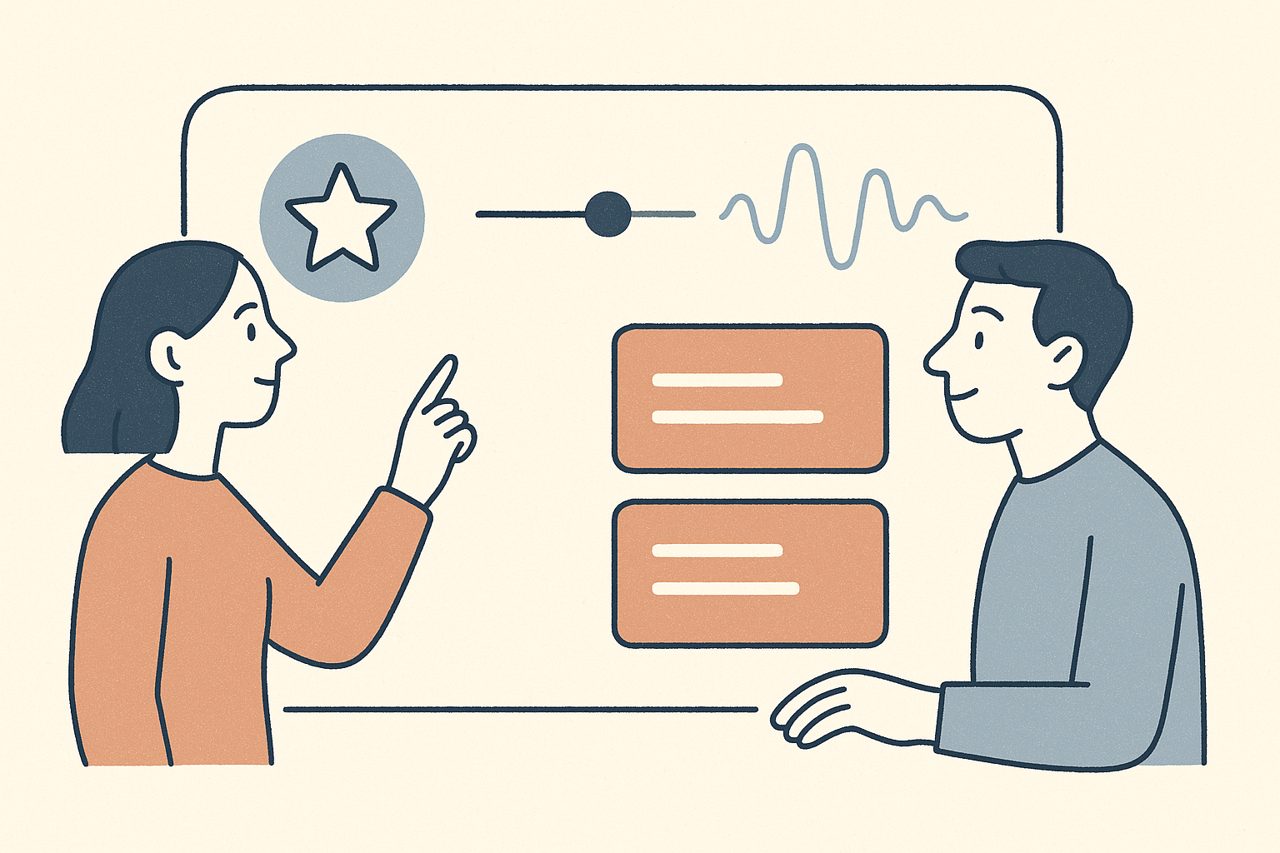
CloudEMDR Pro transforms your EMDR therapy practice with advanced features designed for professional therapists. From distraction-free remote sessions to customizable bilateral stimulation options, Pro features help you deliver the highest quality therapeutic experience for your clients.
Why Upgrade to CloudEMDR Pro?
While CloudEMDR’s free version provides solid basic functionality, Pro features address the specific needs of professional therapists who want to optimize their remote EMDR practice:
- Enhanced client experience: Distraction-free sessions with optimal animation quality
- Professional flexibility: Multiple bilateral stimulation options to match client needs
- Advanced customization: Fine-tune sessions for different trauma types and client preferences
- Practice support: 24/7 premium support when you need it most
Remote Sessions: The Key Pro Feature
Remote Sessions are CloudEMDR Pro’s flagship feature, fundamentally changing how you conduct online EMDR therapy.
How Remote Sessions Work
The Pro Difference
Instead of sharing your screen (where clients see your controls), you send them a direct link to their dedicated session view. They see only the bilateral stimulation—no distractions, no controls, perfect quality.
Result: Clients focus entirely on the therapeutic process while you maintain complete control from your therapist interface.
Setting Up Remote Sessions
Getting started with Remote Sessions is straightforward:
- Create your session: Set up your bilateral stimulation preferences
- Generate client link: CloudEMDR creates a unique, secure link for your client
- Send to client: Share the link via your preferred secure communication method
- Start therapy: Begin your session with full control while client sees only the stimulation
Optimizing Remote Session Quality
To get the best results from Remote Sessions:
- Test beforehand: Always test the connection and quality before starting therapy
- Backup plans: Have alternative communication methods ready
- Client preparation: Ensure clients understand how to use the link and what to expect
- Environment setup: Guide clients on optimal viewing conditions and distractions
More Sounds for Auditory Bilateral Stimulation
CloudEMDR Pro gives you 5 bilateral sound options instead of the single sound in the free version. Each sound has a different character, so you can pick one that your client finds comfortable rather than distracting.
Choosing the Right Sound for Your Client
Sound selection can significantly impact therapeutic effectiveness:
- Initial sessions: Start with the default sound unless your client has specific preferences
- Sound sensitivity: Softer options work well for clients with auditory processing issues
- Try them together: Play the options briefly with your client and let them choose
- Combine with the dot: Visual and auditory stimulation can be used at the same time for a more immersive experience
More Movement Patterns for the Dot
CloudEMDR Pro expands the dot’s movement options beyond the free version’s linear and 8-shape patterns, adding diamond and diagonal patterns for more variety in visual bilateral stimulation.
Matching Movement to Therapeutic Goals
Different patterns serve different purposes:
- Linear movement: The classic left-to-right pattern for standard EMDR protocols and first-time clients
- 8-shape and random: Varied movement that keeps clients engaged and taxes working memory more
- Diamond and diagonal (Pro): Additional variety for clients who need a change of pace across longer treatments
- Client engagement: Varying patterns between sessions can help maintain interest and effectiveness
Pro also unlocks alternative dot styles, like the emoji-changing and animal dots, which work especially well for keeping younger clients engaged.
Combining Pro Features for Maximum Impact
Advanced Session Customization
The real power of CloudEMDR Pro comes from combining features strategically:
Example: Working with an Anxious Client
- Remote Session: Eliminates distractions for sensitive processing
- Softer sound option: Less jarring during difficult memories
- Calm background: A custom or built-in background that feels safe
- Slower speed: Allows deeper processing time
Example: Keeping a Young Client Engaged
- Remote Session: Clean presentation without visible controls
- Animal dot: A changing animal keeps attention on the movement
- 8-shape pattern: Playful, varied movement
- Moderate speed: Balances engagement with processing
Custom Backgrounds
Pro lets you upload your own background image, or choose from built-in scenes like a therapy practice, forest, mountains, or beach. A familiar or calming backdrop can make remote sessions feel less clinical and more grounded for your client.
24/7 Premium Support: Your Professional Advantage
CloudEMDR Pro includes priority support to ensure your practice runs smoothly:
What Premium Support Includes
- Priority response: Faster response times for urgent issues
- Technical assistance: Help with setup, troubleshooting, and optimization
- Best practice guidance: Advice on feature usage and session planning
- Platform updates: Early access to new features and improvements
Making the Most of Support
- Don’t hesitate to reach out during session preparation
- Ask for feature demonstrations and training
- Request guidance on client-specific setups
- Report any issues immediately for quick resolution
Getting Started with Pro Features
Your First Pro Session
To maximize your first CloudEMDR Pro experience:
- Explore features: Test all sound options and movement patterns before client sessions
- Practice Remote Sessions: Try the client view yourself to understand the experience
- Plan progressively: Start with familiar combinations, gradually experiment with advanced features
- Gather feedback: Ask clients about their preferences and comfort levels
- Document what works: Keep notes on effective feature combinations for different clients
Pro Tip: Client Preparation
Always explain new Pro features to clients before using them. Some clients may be curious about sounds or movement patterns, while others prefer consistency. Communication is key to therapeutic success.
Measuring the Impact of Pro Features
Track how Pro features enhance your practice:
- Client feedback: Regular check-ins about session quality and comfort
- Session effectiveness: Monitor processing speed and therapeutic outcomes
- Technical reliability: Track any technical issues or improvements
- Practice efficiency: Note time savings and workflow improvements
Return on Investment: Why Pro Pays for Itself
CloudEMDR Pro typically pays for itself through:
- Enhanced client satisfaction: Leading to better retention and referrals
- Professional credibility: Demonstrating commitment to quality tools
- Session efficiency: Reduced technical issues and setup time
- Expanded client base: Ability to serve clients who need specific accommodations
- Practice differentiation: Standing out from therapists using basic tools
Ready to Elevate Your Practice?
CloudEMDR Pro's advanced features help you turn good EMDR therapy into an effective, professional remote experience. Start your Pro journey today and see the difference reliable tools make.