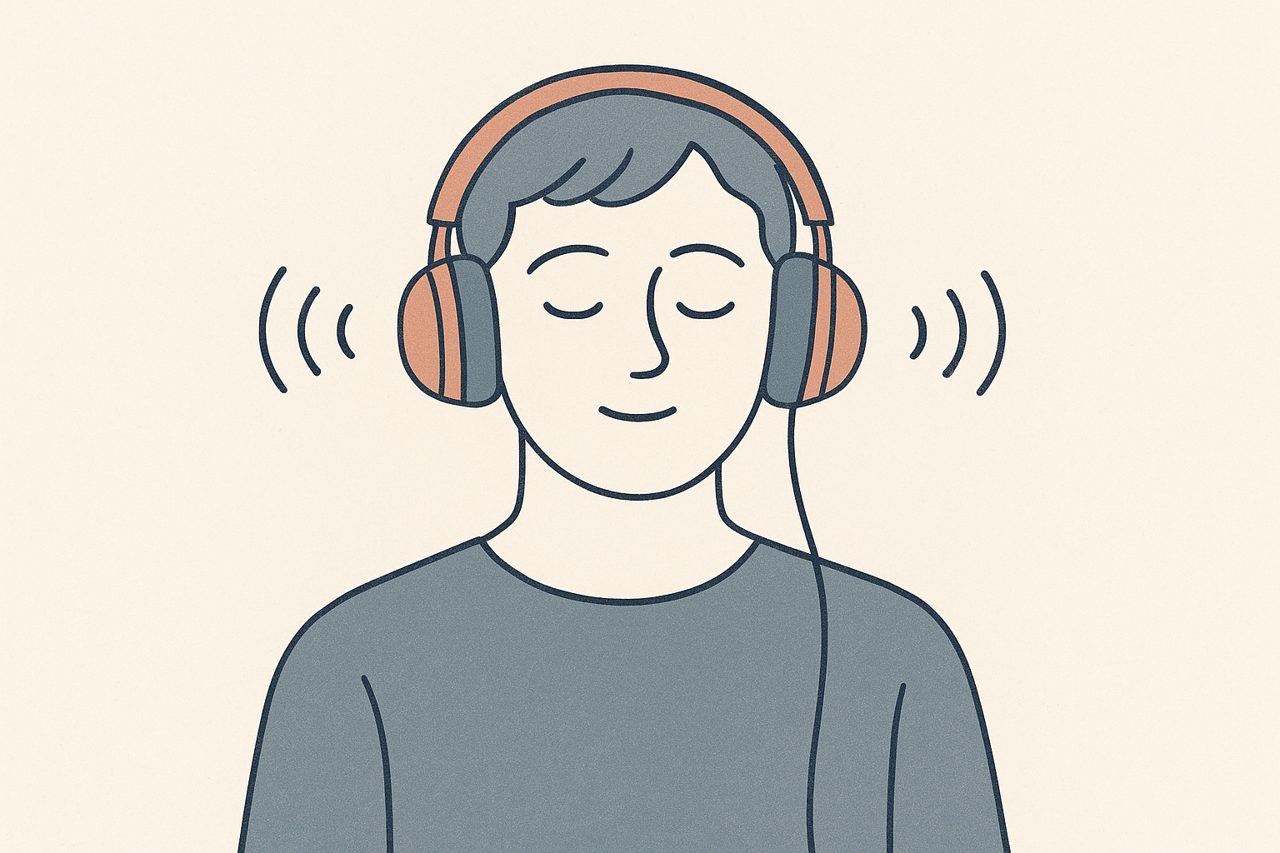
The moving dot gets most of the attention, but it is not the only way to deliver bilateral stimulation. Alternating sound, panning left ear to right ear, does the same job through a different channel. For some clients, on some days, audio is the better choice. Here is how to think about when to reach for it.
What bilateral sound actually is
Bilateral stimulation is the back-and-forth part of EMDR: the client’s attention alternates between left and right while they hold a memory in mind. Visually, that is the dot crossing the screen. Auditorily, it is a sound that plays in the left ear, then the right, then the left again, in a steady rhythm.
The client tracks the sound the way they would track the dot. The alternation is the point. If you want the full background on why this matters, we cover it in What Is Bilateral Stimulation?.
Both channels aim at the same thing. The choice between them, or the choice to use both, is yours to make within your training.
When audio is the better fit
The dot is a fine default, but several situations point toward sound instead.
Eye strain and screen fatigue
Tracking a dot for a full session is work for the eyes. A client who spends all day at a screen may arrive already tired, and asking them to follow visual movement adds to that load. Sound removes the visual demand entirely. The client can rest their eyes and still get the alternation.
Visual impairment
For a client with low vision or a condition that makes tracking difficult, the dot may simply not work well. Auditory stimulation gives you a path that does not depend on sight.
Eyes-closed processing
Some approaches to EMDR have the client close their eyes during processing, especially when a memory is intense and the client wants to turn inward. You cannot follow a dot with your eyes closed. Sound lets you keep the bilateral rhythm going while the client stays internal. Whether and when to work this way is a clinical judgment call that belongs to your protocol, not ours, but if your training supports it, audio is what makes it possible.
A change of channel
Occasionally a client just tracks sound more comfortably than movement. There is no rule that says visual comes first. If audio settles a particular client better, use it.
This is your call, not a formula
None of the above is a clinical rule. Which channel you use, and when, sits inside your own training and your read of the client in front of you. Sound is a tool that widens your options, not a protocol change.
Why headphones matter
Bilateral sound only works if the alternation reaches the client as a clear left-then-right pattern. On laptop or phone speakers, the two channels bleed together and the client hears more of a wash than a back-and-forth. The directional effect that makes the stimulation work gets lost.
Headphones, or earbuds, fix this. Each ear gets its own channel cleanly, and the alternation lands the way it should.
So when you plan to use audio, tell the client ahead of time to have headphones ready. It is a small instruction that makes a real difference, and it is worth adding to your standard prep alongside the other things you cover before a remote session.
Combining sound and the dot
You do not have to pick one. Visual and auditory stimulation can run at the same time. The dot moves while the sound alternates in step, giving the client two channels to track.
Some clients find the combination more absorbing and easier to stay with. Others find two channels busier than they want and prefer one at a time. Try it, watch the response, and adjust. If you are also tuning the visual side, our guide to EMDR dot speed, size and patterns pairs naturally with this.
How bilateral sound works in CloudEMDR
The free version of CloudEMDR includes one bilateral sound, enough to try audio stimulation and see how a client responds.
Pro expands this to five sounds. They differ in character, so you can offer a client a choice and let them settle on one that feels comfortable rather than distracting. A softer option might suit a client sensitive to sudden sound; a more defined one might help a client who struggles to notice the alternation. Play a couple briefly at the start and let the client pick.
Both you and your client can hear the sounds. There is also a detail that pays off across a full day of sessions: as the host, you can mute the sound on your own side while the client still hears it. You keep a quiet room and stay focused; the client keeps the stimulation. You will find the mute control described in the controls guide, and the full Pro feature list in the Pro FAQ.
A quick way to introduce it
Suppose a client tells you their eyes are tired halfway through a session. You do not have to stop. Switch to sound, ask them to slip on their headphones, and let them close their eyes if that suits your approach. The processing continues, the eyes rest, and the bilateral rhythm never breaks. That flexibility is the real reason to keep audio in your kit.
The short version
Bilateral sound is not a lesser version of the dot. It is a parallel tool with its own strengths: easier on the eyes, workable with eyes closed, and open to clients who cannot track visual movement. Use headphones so the alternation stays clear, consider combining it with the dot when a client wants more to hold onto, and let the client help choose the sound. When and how you use it stays inside your own clinical judgment.
Try more sound options
CloudEMDR's free version includes one bilateral sound so you can test audio stimulation today. Pro adds five sounds you can offer clients, plus host-side mute for quieter sessions. The first three weeks are free.