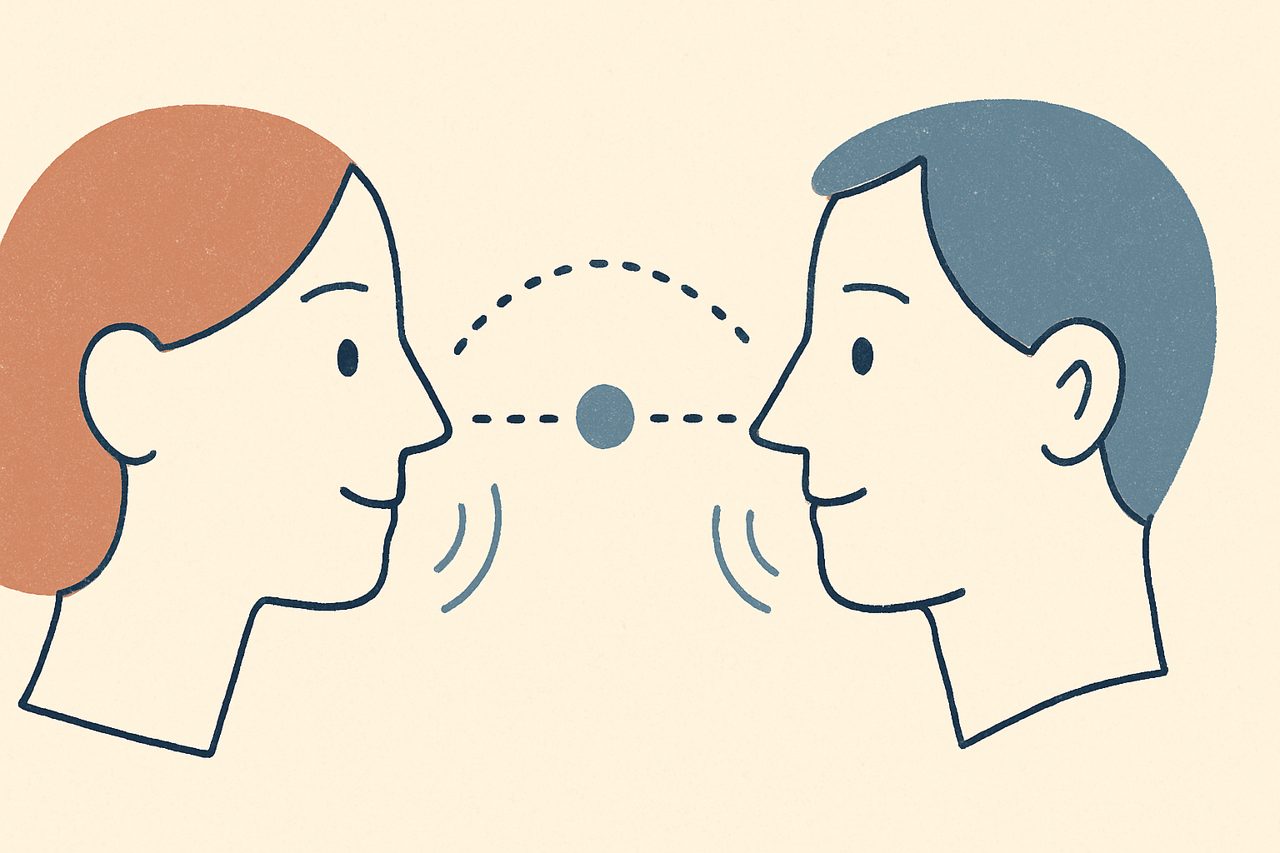
Bilateral stimulation is the distinctive ingredient in EMDR — the rhythmic left-right input a client attends to while holding a memory in mind. This article breaks down the three main types, their role in the work, and what carries over cleanly when you move a session online.
What bilateral stimulation means
Bilateral stimulation (often shortened to BLS) is any rhythmic input that alternates between the left and right sides of the body while the client focuses on a target. In EMDR it is delivered in short sets during the reprocessing phases, with the therapist pausing between sets to check what has shifted.
The exact mechanism is still debated, and you don’t need a settled answer to use it well. One widely discussed account is that the dual attention — holding a memory in mind while tracking a rhythmic external cue — taxes working memory, which is thought to reduce the vividness and emotional charge of the recollection. If EMDR is new to you as a concept, our overview of what EMDR therapy is sets the wider context.
The three main types of BLS
Bilateral stimulation comes in three familiar forms. All three aim at the same thing — a steady left-right rhythm the client can follow without effort.
Visual (eye movements)
The classic form, and the one most people picture: the client’s eyes track a moving point back and forth. Historically this was the therapist’s fingers; on screen it becomes a moving dot. Visual BLS is easy to pace and easy to standardize, which is part of why it translates so well to a digital tool.
Auditory (alternating tones)
Here a sound alternates between the left and right ears, usually through headphones. Auditory BLS is a good fit when a client would rather close their eyes, or when eye tracking is tiring, and it can be combined with the visual dot.
Tactile (tapping and buzzers)
Tactile BLS alternates physical sensation left and right — the therapist tapping the client’s hands or knees in an office, or small handheld buzzers doing the same. It suits clients who find visual tracking uncomfortable, and it keeps the eyes free to close.
Which type to use
There's no universally "best" channel — it depends on the client and the moment. Many clinicians offer a choice and switch if one form becomes tiring or distracting. As always, lean on your EMDR training and your read of the individual client.
The role BLS plays in EMDR
Bilateral stimulation isn’t the whole of EMDR — the eight-phase structure, the careful target selection, and the therapeutic relationship all do the heavy lifting. BLS is the engine of the desensitization and installation phases specifically: the client brings a target to mind, follows a set of stimulation, and reports what comes up, and you repeat until the distress reduces and a more adaptive belief can be strengthened.
It also helps to remember that the stimulation only ever accompanies the work — you still set the target carefully, run short sets, and pause to check what shifts. The rhythm is the same whether your fingers, a set of headphones, or a moving dot provide it, which is exactly why the approach adapts so readily to different settings.
Because the stimulation is a supporting tool rather than the treatment itself, the practical question for remote work is simple: which channels can you reproduce reliably over a video call?
What carries over to remote sessions
Two of the three channels move online cleanly, and the third has a good client-led substitute.
Visual BLS is the most natural fit. A moving dot on the client’s screen does exactly what your fingers did in the room, and arguably with more consistency — the speed and size are set precisely and don’t drift. CloudEMDR provides the dot in both linear and 8-shape patterns for free, with extra patterns (random, diamond, diagonal) and dot styles available in Pro.
Auditory BLS also travels well. CloudEMDR includes one bilateral sound in the free version and five in Pro; the client listens on headphones so the left-right alternation stays crisp.
Tactile BLS is the one you can’t deliver through the client’s screen — but you can guide the client to provide it themselves. Self-tapping and the butterfly hug (the client crossing their arms and alternating gentle taps on each shoulder) are established, client-led ways to bring tactile rhythm into a remote session. We cover these in the butterfly hug and other bilateral techniques.
A note on smoothness
If you share your screen to show the dot, animation can stutter over a busy connection. CloudEMDR Pro's Remote Sessions send the client a direct link instead, so the dot renders smoothly on their device rather than being streamed as video. See the remote session guide for how that works.
Delivering both channels at once
One practical advantage of a screen-based setup is that combining visual and auditory BLS is trivial — the moving dot and the bilateral sound run together, and the client simply follows both. Some clients find the combination easier to stay with than either alone. As with everything in EMDR, offer it, watch how the client responds, and adjust.
If you’re setting up your first online session and want the video-call side handled too, our video call setup guide covers pairing CloudEMDR with the common platforms.
See the dot and hear the tones
Try CloudEMDR's visual and auditory bilateral stimulation free in your browser — no account needed. For smoother, distraction-free delivery over video and a wider set of patterns and sounds, Pro's Remote Sessions start with a three-week free trial.