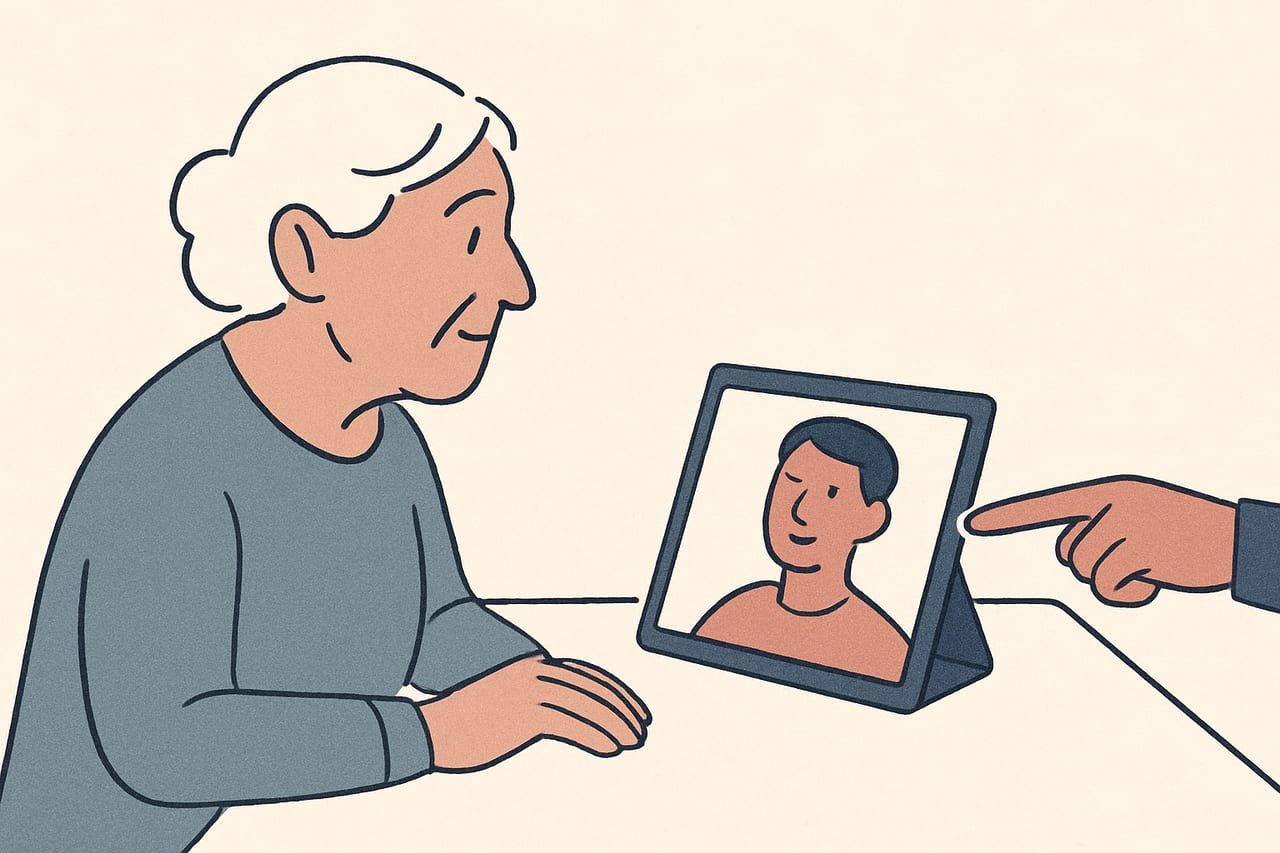
Some clients arrive at a remote session having used video calls for years — for work, for family, for everything. Others, particularly older adults or clients who've simply had little reason to use the technology, are trying it for close to the first time. That gap in comfort matters for EMDR specifically, because the whole approach depends on your client following a moving dot or sound smoothly through a screen they're not yet used to.
Why this is worth planning for separately
A client who’s unfamiliar with video calls is spending some of their attention on the technology itself — where to click, whether the camera is working, whether they’re doing it “right” — attention that would otherwise go toward the clinical work. Layer a first EMDR session on top of that, and you’re asking a lot in one sitting.
None of this means remote EMDR is a poor fit for a less tech-comfortable client. It means the onboarding deserves more time and a simpler pace than you’d give a client who’s used to video calls already.
Start with the video call, not the dot
Before you introduce CloudEMDR at all, make sure your client is genuinely comfortable on the video call itself: they can see and hear you clearly, they know how to adjust their volume or camera if needed, and they’re not anxious about the platform breaking. Our guide to preparing your client for a remote session covers what’s worth walking through in advance.
Do the tech test days before, not minutes before
For a client new to video calls, a same-day tech test can add to their nerves rather than settle them. Where you can, walk through opening the link and pressing Start Session a day or two ahead of the actual session, so the first time they see the dot isn't also the first time they've clicked anything you sent them.
Keep instructions concrete and sequential
General instructions like “open the link I sent you” can be confusing for someone who isn’t used to navigating between apps, messages, and browser tabs. Break it into the smallest useful steps: which app the link will arrive in, what to tap or click, what they should see once it opens, and what “Start Session” looks like on their screen. Sending a short written version of these steps alongside your verbal walkthrough gives them something to refer back to without needing to ask again mid-session.
If a family member or caregiver is nearby and the client is comfortable with it, a quick assist getting the link open the first time can save a lot of session time you’d rather spend on the clinical work itself.
Slow down the first look at the dot
The first time a new client sees the moving dot, give them a minute to simply watch it before you ask them to do anything clinical with it. Confirm they can see it clearly, that the speed feels comfortable, and that they understand they’re meant to follow it with their eyes rather than “do” anything more complicated. Our post on EMDR dot speed settings is worth a look if you want a lower starting speed on hand for this kind of first session.
Expect the first session to run differently
Build in extra time at the start of a first remote session with a tech-anxious client, and don't be surprised if less clinical ground gets covered than in a typical session. A calm, unrushed introduction to the format pays off in every session that follows.
Have a low-tech fallback ready
However well you prepare, a first session with a new user is more likely than most to run into a hiccup — a missed click, a muted microphone, a link opened in the wrong app. Agree on a backup before you start: a phone number to call if the video call won’t connect, or a plan to simply talk your client through the steps again by phone while they retry. If a client’s setup turns out to be genuinely unreliable rather than just unfamiliar, our post on remote EMDR with a weak connection has settings and alternatives worth trying.
It gets easier fast
Most clients who are unfamiliar with video calls need real extra support for exactly one session — the first. By the second or third, opening the link and settling into the dot becomes routine, and the sessions run like any other. The investment is front-loaded, which is worth setting expectations around with the client themselves: the first session may feel slower, and that’s normal, not a sign that remote work isn’t going to suit them.
Simple enough for a first-time user
CloudEMDR needs nothing installed and no account for your client — they open a link and press Start Session. Pro's Remote Sessions keep the screen distraction-free, with just the moving dot and none of your controls in view. The first three weeks are free.