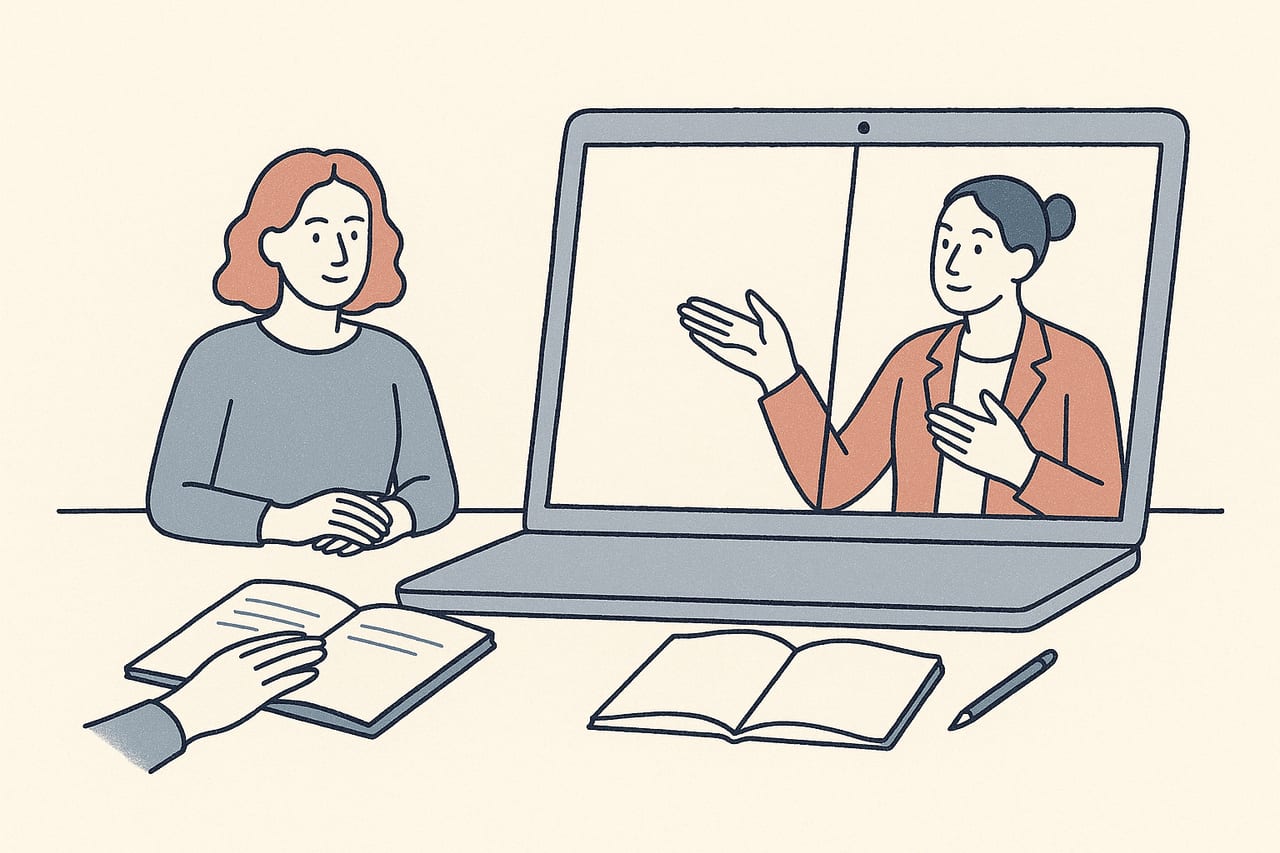
Consultation is built into how EMDR clinicians keep their skills sharp, whether you're working toward certification, maintaining it, or simply talking through a hard case with a trusted colleague. Most of that now happens over video rather than in a room together. Here's how to make remote consultation and supervision work well for both the consultant and the consultee.
Why remote consultation is different from a remote therapy session
Consultation looks a lot like a therapy session on the surface — two or more clinicians on a video call, sometimes reviewing bilateral stimulation technique directly. But the goal is different: you’re building a case presentation, checking your own conceptualization, and sometimes watching a demonstration of a technique rather than delivering treatment. That changes what “good remote setup” means.
Where a therapy session over video needs a clean, distraction-free experience for the client, a consultation call needs clarity for a working conversation: both parties talking, screen-sharing notes or case formulations, and sometimes demonstrating dot settings or a technique on screen. The teletherapy tech setup guide covers the camera, lighting, and audio basics that make any of this easier, and they apply here just as much as they do to client-facing work.
Presenting a case clearly over video
Consultation time is limited, and a rambling case presentation eats into the part of the call where you actually get feedback. A few habits help:
- Lead with the question, not the history. State up front what you want from the consultation — a stuck target, a pacing decision, a read on whether a client is a good fit for reprocessing yet — before walking through background.
- Keep identifying details out of anything shared on screen. If you’re screen-sharing notes, a treatment plan, or target sequence, strip anything that could identify the client before the call, the same way you would for a written case write-up.
- Have your target sequence or SUD/VOC notes open and ready. Fumbling through files mid-call wastes consultation time that’s better spent on the clinical question itself.
Screen-share deliberately
Before you share your screen, close anything you wouldn't want visible — email, other client files, browser tabs. It's an easy thing to forget on a video call when you're focused on the clinical conversation.
Demonstrating technique remotely
Sometimes consultation involves showing, not just describing — a consultant walking a consultee through dot speed, pacing, or how to introduce a resourcing exercise. This works well over video as long as both people can see the same thing clearly.
If you’re demonstrating with a tool like CloudEMDR, screen-share your controls so the consultee can see exactly what you’re adjusting as you talk through it. The controls guide is worth having open in a separate tab during a demonstration, since it lays out every adjustable setting in one place — handy for a consultee to reference afterward rather than trying to remember everything from the call.
Cases involving dissociation are a common reason clinicians seek consultation in the first place, and they’re worth bringing early rather than after a difficult session. Our guide to recognizing dissociation signs remotely is a useful shared reference to review together if that’s the focus of a particular consultation.
Group consultation and peer groups
Many clinicians get consultation hours in a group format rather than one-to-one, which raises its own video logistics: more faces on screen, more turn-taking to manage, and less room for any one presenter. If you run or attend a peer consultation group, a few things keep it functional:
- Agree on a speaking order or a simple hand-raise convention before the case discussion starts, so the call doesn’t turn into cross-talk.
- Keep each presenter’s time bounded, and appoint someone (rotating is fine) to watch the clock.
- Record only with everyone’s explicit agreement, and never record any portion where identifying client information is discussed.
If you also run therapy sessions with more than one client on a call — for grief groups or other formats — our guide to EMDR group therapy covers similar multi-participant logistics from the treatment side, which carry over usefully to a consultation group.
Keep confidentiality front of mind
Consultation calls, like therapy sessions, deserve the same care around private space and secure video platforms. Take the call somewhere you won't be overheard, and confirm your consultant or peer group is doing the same.
Tracking what you take away
A remote consultation is easy to let slip past without a written record, especially if you’re moving straight from the call into your next client session. Jot down the specific recommendation or reframe you got, and — if you’re logging hours toward certification or credentialing — note the date, format, and topic at the time rather than reconstructing it later. Requirements for what counts and how many hours you need vary by credentialing body and change over time, so check your own organization’s current guidance rather than relying on general advice like this.
Making remote consultation feel less thin
The biggest complaint clinicians have about remote consultation is that it can feel more transactional than an in-person peer relationship. A little intentionality closes most of that gap: keep your camera on, leave a few minutes at the start or end for genuinely checking in, and treat the video call as the real relationship rather than a placeholder for one you’d rather have in person.
Bring the same clarity to your client sessions
If a consultation call has you rethinking your own remote setup, CloudEMDR's Remote Sessions give clients a clean, distraction-free view of the dot while you keep full control on your side. Try it free, or start a three-week Pro trial.