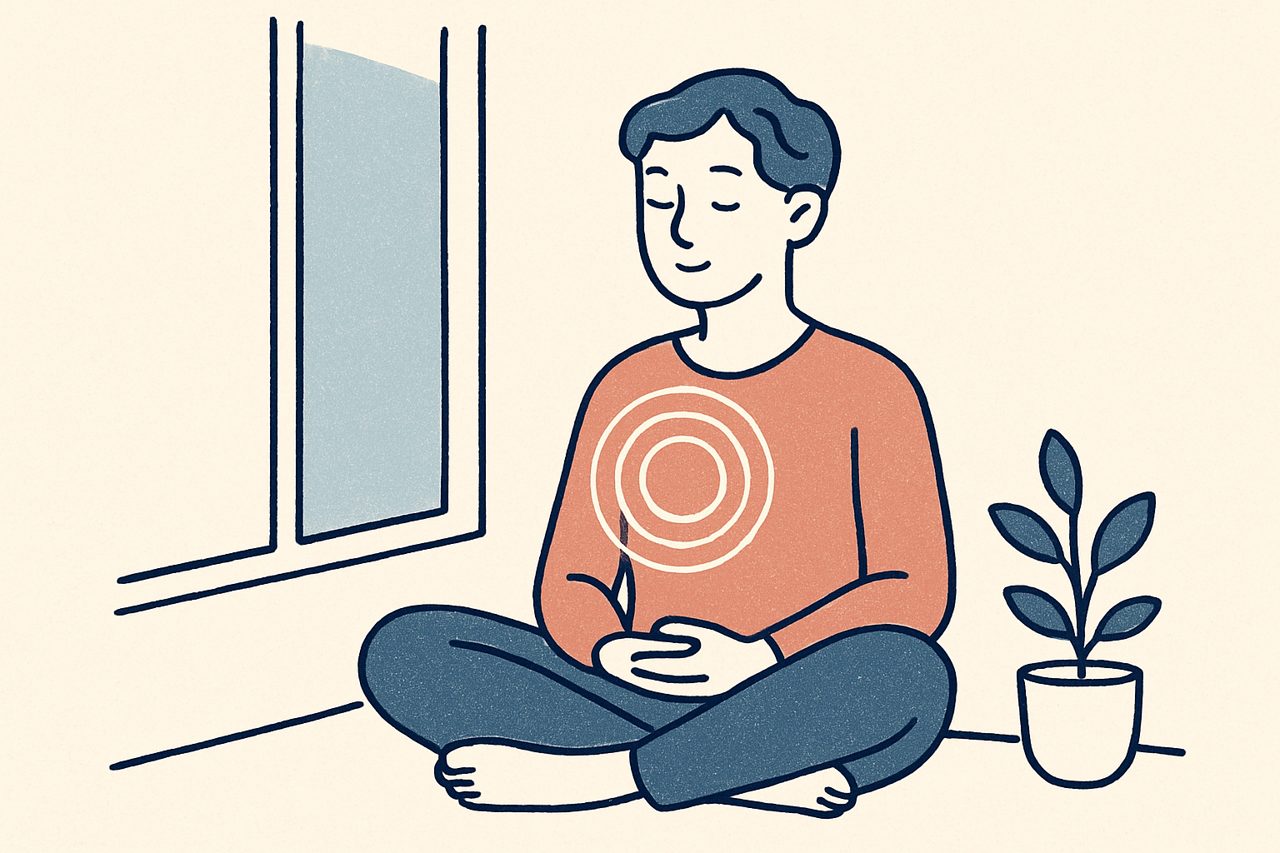
Grounding is part of every EMDR therapist's toolkit, and it carries extra weight in remote work. When your client is in their own space and you're on the other side of a screen, you can't hand them a glass of water or steady the room yourself. This is a practical reminder of grounding options that translate well to video, framed to sit alongside your own training rather than replace it.
You already know these techniques. The point here is how they adapt to a remote setting, and how to prepare so grounding is ready when you need it.
Why grounding matters more remotely
In the office, the room itself does some of the work. The space is familiar, you’re physically present, and you can read subtle cues up close. Over video, you lose some of that. A client can drift or become overwhelmed while you’re looking at a small image with imperfect sound.
That makes two things important: preparing grounding skills your client can use on their own, and staying alert to signs they need one. Build grounding into the rhythm of the session rather than saving it only for when something goes wrong.
Orienting to the room
One of the simplest and most reliable techniques over video is helping your client orient to their actual, present surroundings.
Because they’re in their own space, you can invite them to name things they can see, feel the chair supporting them, notice their feet on the floor, or pick out sounds in the room. Their environment is familiar, which can make this land quickly. Asking them to describe what they see out loud also gives you useful information about how present they are.
If you use a specific orienting or five-senses protocol from your training, it works the same way remotely; you’re just guiding it verbally instead of gesturing around a shared room.
Breathing and pacing
Slow, paced breathing is easy to lead over a call and needs no equipment. Guiding a few slow breaths, or breathing along with your client so they can match your pace on screen, helps settle activation.
Keep your voice calm and unhurried. On video, your tone and pacing carry more of the regulating effect than they might in person, so slow down more than feels necessary.
Practice grounding before it's needed
Introduce and rehearse a couple of grounding exercises early, when your client is calm, so they're familiar and easy to reach for later. A brief grounding check-in at the start of each session, noted in our pre-session checklist, keeps the skill warm.
Safe-place and container exercises
The safe-place (or calm-place) and container exercises many EMDR therapists use in preparation carry over well to remote work, because they happen largely in the client’s imagination and only need your voice to guide them.
Remotely, it helps to make these especially concrete. Have your client anchor the safe place or container to something in their own environment if that suits your approach, and confirm out loud that they can access it before you rely on it during processing. Because you can’t watch as closely over video, that verbal confirmation matters.
Follow the version of these exercises you were trained in. The remote adaptation is mostly about clear verbal guidance and checking in more often.
Bilateral techniques the client can self-administer
Some bilateral stimulation techniques can be self-administered, which makes them useful for grounding and resourcing in a remote session.
The butterfly hug is the classic example: your client crosses their arms and taps alternately on each shoulder, at their own pace, while you guide them. It needs no equipment and works over any video connection. We cover it, and a few related options, in our post on the butterfly hug and other bilateral techniques.
For visual bilateral stimulation during resourcing, CloudEMDR’s moving dot can be slowed right down to a gentle pace from the controls on your side. If you’re thinking about how speed affects the experience, our notes on dot speed settings go into more detail.
Preparing an emergency plan
Grounding sits inside a wider safety plan, and remote work makes that plan essential.
Before you begin any remote EMDR, know where your client is physically located, have an emergency contact, and have the crisis and emergency numbers local to them. If a session becomes overwhelming and grounding isn’t enough, you need to act quickly, and you can only do that if you prepared in advance. What’s required varies by region and licensing board, so follow your own guidance; our post on screening and informed consent covers what to line up.
Watch your remaining time
Leave enough time to close well. In a Pro Remote Session, the session timer on your side helps you keep track so you're never rushing a client out of an activated state as the clock runs out.
Closing incomplete sessions well
Not every session reaches a natural stopping point, and remote sessions are no exception. When you need to close before processing is complete, use your usual closure approach, and give it a little extra room over video.
Guide your client back to the present with orienting and grounding, use a container or safe-place exercise if that’s part of your practice, and confirm out loud that they feel settled enough to end the call. Because you can’t walk them to the door, take a moment to check how they’ll spend the next little while and remind them of the plan if distress returns.
A calm, unhurried close is one of the most important parts of a remote session. When your client logs off feeling steady, the distance stops being a problem.
Run remote EMDR with confidence
CloudEMDR Pro gives you a smooth, controls-free dot for your client, adjustable speed for gentle resourcing, and a session timer so you always have room to close well. The first three weeks are free.