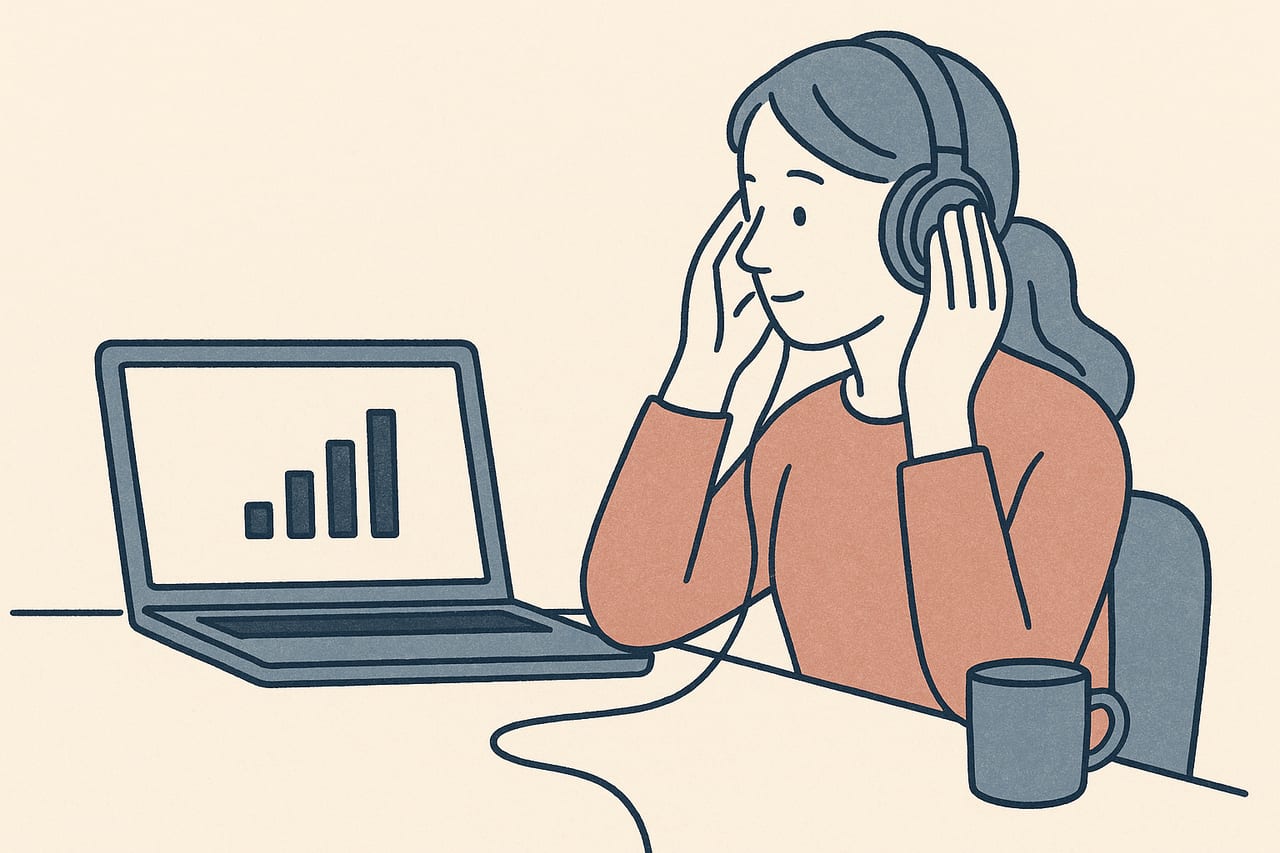
Not every client has reliable, high-speed internet, and it's not something you can fix from your side of the call. A choppy connection can make a moving dot stutter or freeze at exactly the wrong moment. This is a practical look at what to adjust, and what to fall back on, when you know in advance — or discover mid-session — that a client's connection can't be counted on.
Recognizing a bandwidth problem versus a CloudEMDR problem
Before changing anything, it helps to know what you’re dealing with. A connection issue usually shows up as a frozen or pixelated video image alongside choppy or delayed audio on the call itself, not just the dot. If the video call is smooth but the dot animation alone is stuttering, that’s more likely a browser or device issue than bandwidth — our troubleshooting guide covers those fixes separately.
A quick way to tell the two apart: ask your client to describe what they’re seeing. If their own video call feed to you is also breaking up, bandwidth is the more likely cause.
Settings that help on a weak connection
Lower the load before the session starts
If you know in advance that a client's connection is unreliable, ask them to turn off their video call's camera during the parts of the session where you don't need to see them, and to close other tabs and apps that use bandwidth in the background. Freeing up their connection for the video call and the dot together makes a real difference.
On your side, a slower, simpler dot movement pattern tends to hold up better on a strained connection than a fast, complex one, since there’s less to redraw each frame. If you haven’t looked at how movement speed and pattern affect the feel of a session, our post on EMDR dot speed settings is a useful reference for dialing it back without losing the clinical effect you’re after.
Switching to audio-only bilateral stimulation
When a visual dot keeps stuttering no matter what you adjust, alternating audio can be a more reliable option, because sound generally needs far less bandwidth than smooth video animation. CloudEMDR’s bilateral sound plays a tone that alternates between left and right, which your client hears through headphones regardless of how their video feed is holding up. Our post on bilateral sound in EMDR walks through when audio works well as either a primary or backup form of stimulation.
Confirm your client has headphones on hand before the session, since alternating audio through a single speaker loses the left-right effect that makes it work.
A no-bandwidth backup: the butterfly hug
If a connection degrades to the point where neither the dot nor reliable audio is holding up, a self-administered tactile technique needs no bandwidth at all beyond a stable enough voice call to guide it. The butterfly hug — crossing the arms and tapping alternately on each shoulder at a steady pace — is the most familiar version, and your client can do it while you talk them through the pacing verbally. See our post on the butterfly hug and other bilateral techniques for the details and a couple of variations.
Even a call with only audio, no video, can usually carry this well enough to keep a session moving if the connection degrades further.
Agreeing on a fallback plan in advance
Decide the order before you need it
Agree with your client, ideally before a first session rather than mid-crisis, what you'll try first if the connection struggles: lower dot settings, then audio, then a self-administered tactile technique, then a phone call as a last resort. Having the order settled means you're not improvising while your client is mid-set.
It’s also worth setting expectations with clients who you know have a limited or rural connection: some sessions may need to lean on audio or tactile stimulation more than the dot, and that’s a reasonable adjustment, not a lesser session.
When to reschedule instead
Sometimes the honest answer is that the connection isn’t workable that day. If audio is also breaking up and a phone call isn’t a good clinical substitute for the work you’d planned, it’s reasonable to reschedule rather than push through a session where you can’t reliably track your client. A short, clear phone call to close the loop and confirm your client is safe is a better use of a bad-connection day than forcing a video session that keeps dropping.
A weak connection isn’t a reason to rule out remote EMDR with a given client — it’s a reason to have a tiered plan ready, so a dropped signal doesn’t mean a lost session.
More than one way to deliver bilateral stimulation
CloudEMDR gives you the moving dot, adjustable speed and size, and bilateral sound, so you can match the format to your client's connection on any given day. Pro's Remote Sessions add a controls-free view for your client. The first three weeks are free.