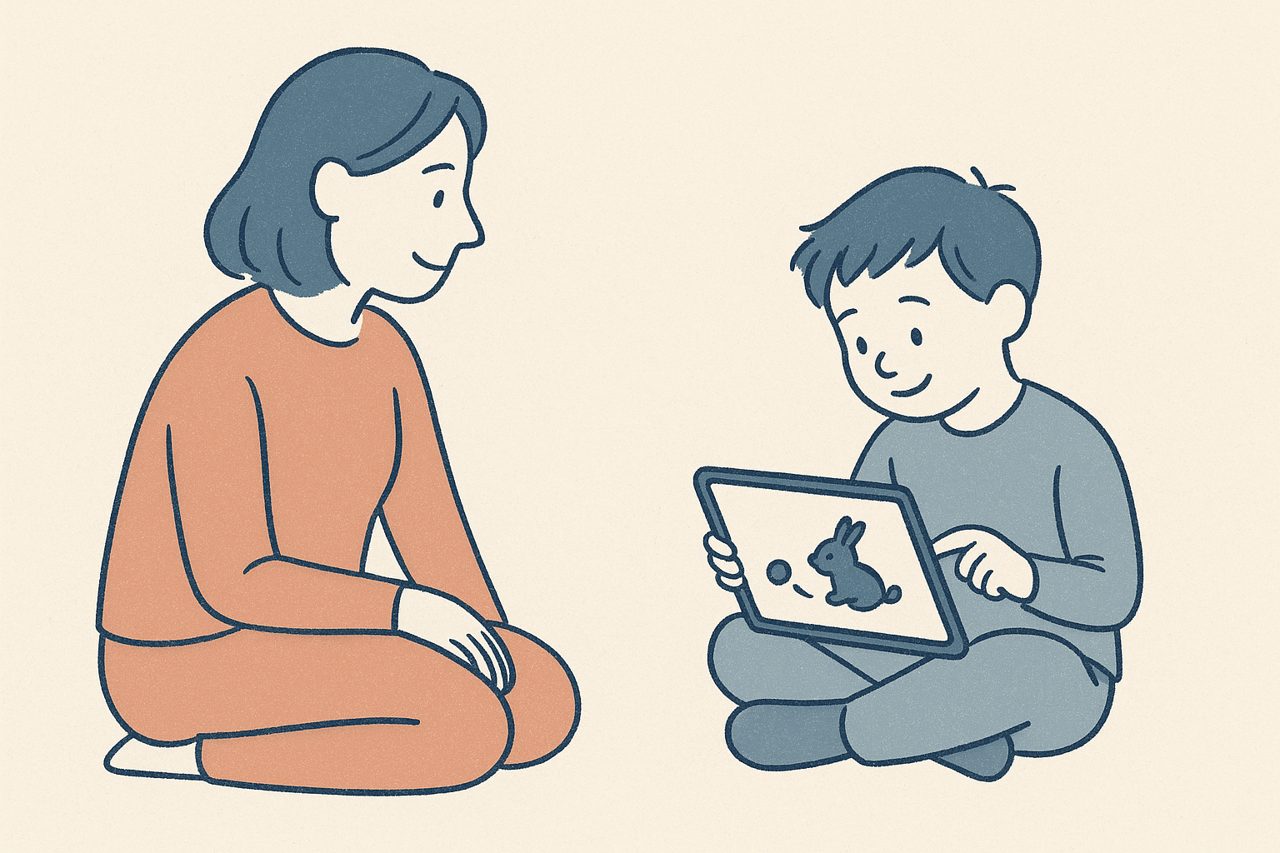
EMDR is used with children and adolescents, not only adults. Major guidance reflects this: the World Health Organization recommends considering trauma-focused therapies, including EMDR, for children and adolescents with PTSD. Running those sessions remotely is workable, but it asks a bit more of your setup, because a child's attention is harder to hold through a screen.
EMDR with children is established practice
You do not need to make the case for EMDR with young people from scratch. The WHO guidelines on stress-related conditions list EMDR among the recommended options to consider for children and adolescents with PTSD, alongside trauma-focused cognitive behavioral therapy.
That said, working with children is a specialization. Protocols are adapted for developmental stage, caregivers are usually involved, and the pacing differs from adult work. This article does not try to teach child EMDR; it assumes you already have that training and focuses on the practical side of doing it remotely with CloudEMDR. Your child-EMDR training and protocols come first, always.
The remote challenges specific to children
Three things tend to be harder with a child on the other end of a video call.
Attention span. Younger clients have less patience for a plain moving dot, and a screen makes it easy for their focus to wander to whatever else is in the room or on the device. You need the on-screen task to be engaging enough to hold them.
A caregiver in the room. With children, a parent or caregiver is often present or nearby. That is usually appropriate, but it changes the room. You will want to set expectations in advance about where the caregiver sits and what their role is during a set, so the child is supported without being coached or distracted.
Tech setup. A child is less likely to manage the technology themselves. The device, camera angle, sound, and internet are all things a caregiver typically handles, so your setup instructions need to be simple and aimed at the adult helping out.
Prepare the adults first
A short setup message to the caregiver before the first session saves time later. Cover the device to use, where to place it, how to get sound working, and where they should sit. Our guide on preparing your client is a useful starting point you can adapt for a caregiver.
Using CloudEMDR features to hold attention
This is where a few Pro features earn their place with younger clients. The goal is to make the moving target something a child wants to follow, without turning the session into a game that pulls focus away from the work.
Engaging dot styles
Instead of a plain grey dot, CloudEMDR Pro offers dot styles that tend to hold a child’s interest better: a color-changing dot, an emoji-changing dot, and an animal dot. For a young client, following a small animal or a changing emoji across the screen can be far more compelling than a static point. You can match the style to the child, and change it if their attention starts to fade.
Friendly backgrounds
The background sets the tone. Pro includes several options beyond plain light and dark, including Therapy Practice, Forest, Mountains, Beach, and Hospital, and you can upload your own. A calmer, friendlier scene can make the screen feel less clinical for a child, and you can pick something that fits the child’s comfort rather than defaulting to a stark background.
Shorter, well-paced sets
Children generally do better with shorter sets and more frequent check-ins, which is a pacing choice you make within your protocol. The controls make it easy to start and stop, adjust speed, and keep sets brief without fumbling with settings mid-session.
The distraction-free Remote Session
One of the most useful things for a child client is that in a Remote Session, the child sees only the moving dot, with smoother animation and none of your controls. There is nothing on their screen to click, no buttons to get curious about, just the dot. You keep the controls and a session timer on your side. This removes a whole category of distraction that would otherwise be one tap away. Our overview of CloudEMDR Pro features walks through how the Remote Session, dot styles, and backgrounds fit together.
Engaging, not entertaining
An animal dot or a forest background is there to hold attention on the task, not to become the main event. If a child fixates on how funny the emoji is rather than following it, switch to something calmer. You are looking for engaged focus on the moving target, which supports the working-memory load that EMDR relies on.
Keeping the tactile and audio options in mind
Not every child will happily track a dot for a full set. Some settle better with sound, and some respond well to a tactile technique they can do themselves. The butterfly hug and other bilateral techniques are self-administered and can suit children, who often take to the idea of “hugging” themselves and tapping in rhythm. As with adults, you have visual, auditory, and tactile channels to choose from, and you can vary them to match the child in front of you.
Bringing it together
Remote EMDR with children is mostly about removing friction. Prepare the caregiver so the technology just works. Choose a dot style and background that hold the child’s attention. Keep sets short and check in often. And let the Remote Session strip away everything on the child’s screen except the dot.
Handle those practical pieces well, and the remote format stops being an obstacle. It becomes a straightforward way to reach a young client in a space where they already feel comfortable, so you can do the work your child-EMDR training prepared you for.
Set up child-friendly remote sessions
CloudEMDR Pro adds animal and emoji dot styles, friendly backgrounds, and distraction-free Remote Sessions where the child sees only the dot. The first three weeks are free, and you can cancel anytime.